CHOOSE YOUR MPC
Select the hardware or MPC software you are actually using.

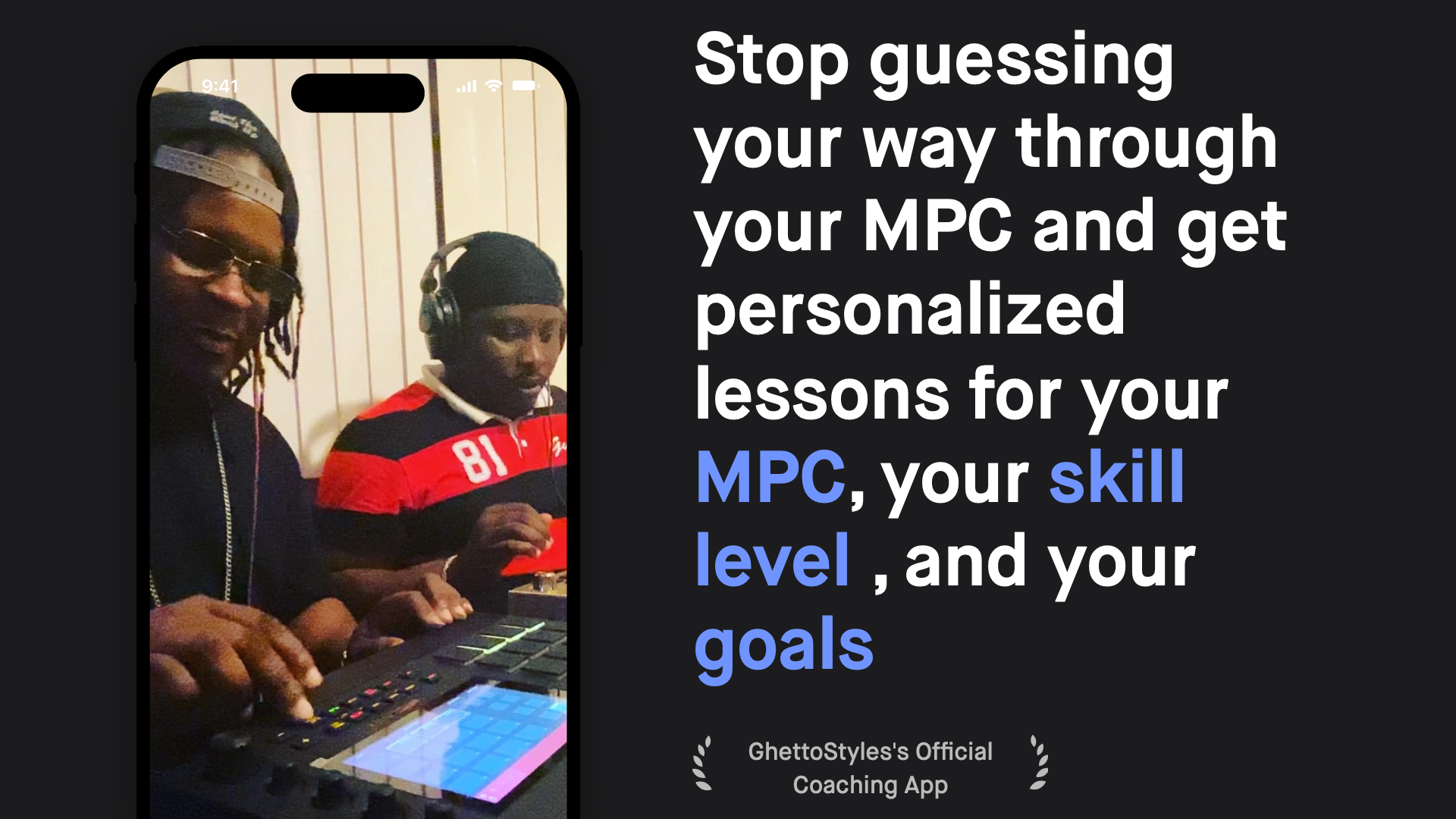
BeatMaker is built for the questions that usually send MPC users searching through forums, manuals and twenty different videos. Choose your setup, tell it your skill level and goal, and get focused guidance for what you are actually trying to do.
Select the hardware or MPC software you are actually using.
Beginner, intermediate or experienced—the guidance should meet you where you are.
Tell BeatMaker what you are trying to accomplish instead of searching broadly.
Receive focused guidance built around that combination of gear, software and goal.
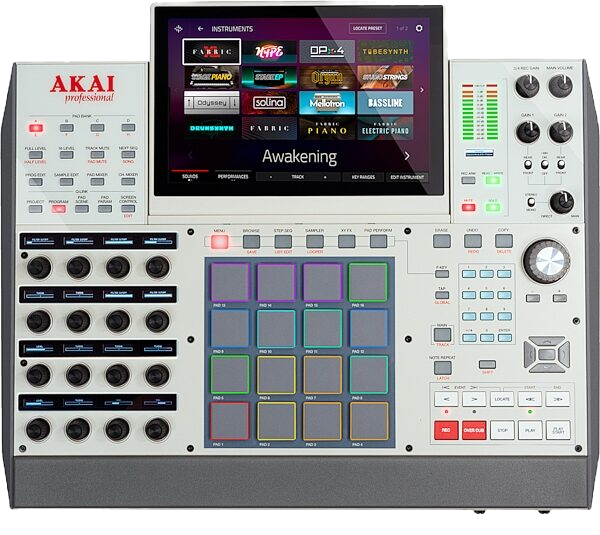
MPC owners do not all need the same answer. A Live user working standalone, a Key user integrating plugins, and a desktop MPC Software user can be trying to solve completely different problems. BeatMaker is designed around that reality.
Beat The Block Up’s strongest evergreen audience behavior comes from practical MPC tutorials, beginner walkthroughs and problem-solving content. BeatMaker extends that same value into a personalized experience instead of forcing every user to find the right answer manually.